






Traxmachine Has a Brand-New Look

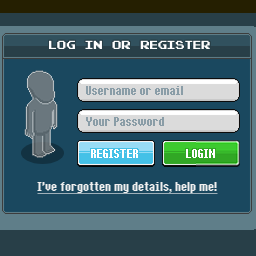
Traxmachine.com just got a complete makeover. The new design takes its cues from the classic Habbo web pages: pixel fonts, boxed panels with title bars and a login box right on the page.
Everything around the Trax Editor was rebuilt, so the site now feels like the hotel we grew up with.
What’s new
-
New header and menu. A new traxmachine.com logo sits above a menu bar with Traxmachine, Photo Wall, Content and About Us. The Blog is now called Content.

-
News ticker. A speech bubble at the top cycles through our latest headlines, one click away from each post.

-
Showcase banner. The rotating banner now sits under the menu and highlights our tips, competitions and more.
-
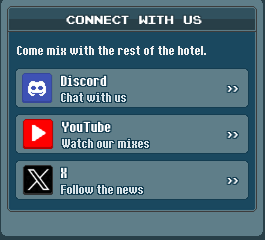
Three columns. Discord, YouTube and X on the left, your mix in the center, and log in or register on the right.
-
Tools under the editor. Full Screen, Trax Packs and History now sit right below your mix. Shortcuts: Ctrl+Shift+F for focus mode, Ctrl+Shift+H for your history.

-
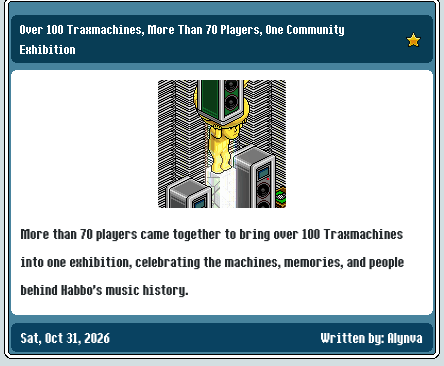
Content as cards. Every post shows up as a card with image, summary, date and author.
-
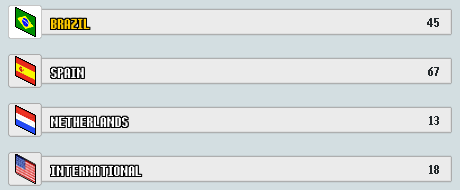
Photo Wall by community. Jump straight to the photos from Brazil, Spain, the Netherlands or the International wall.
-
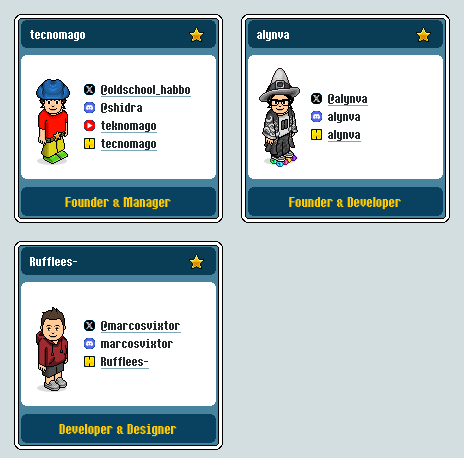
Team cards. About Us shows each team member with their avatar, role and socials.
What stays the same
The Trax Editor itself hasn’t changed: same packs, same samples, same Habbo-format codes. Open the site and keep mixing.
Tell us what you think
Spotted a bug or have an idea? Tell us on our Discord.